AI Agent
The AI Agent lets you run intelligent conversations with contacts — qualifying leads, onboarding new clients, helping a prospect choose a service, or collecting feedback — all through a natural chat interface powered by AI.
Key Features
- Five Conversation Types: Lead Qualification, Onboarding, Decision Helper, Follow-up, and Satisfaction Survey — each with a tailored conversational approach
- Smart Chat Interface: The AI asks questions one at a time in a natural tone. Press Enter to send; Shift+Enter adds a new line without sending
- Automatic Analysis: After 4+ exchanges, the AI silently builds a full profile — urgency score (out of 10), budget indicator, decision-maker status, detected motivations, recommended services, pricing tier, and a written summary
- Auto-Completion: When the AI has gathered enough to determine an outcome, it closes the conversation automatically
- Shareable Links: Generate a link for any conversation and send it to a contact — they can reply without needing an account
- Outcome Tracking: Each completed conversation is tagged Qualified, Not Qualified, Needs Nurturing, or Referred
- At-a-Glance List: The conversation list shows contact name, type, status, message count, urgency score, and outcome — scan priorities without opening each chat
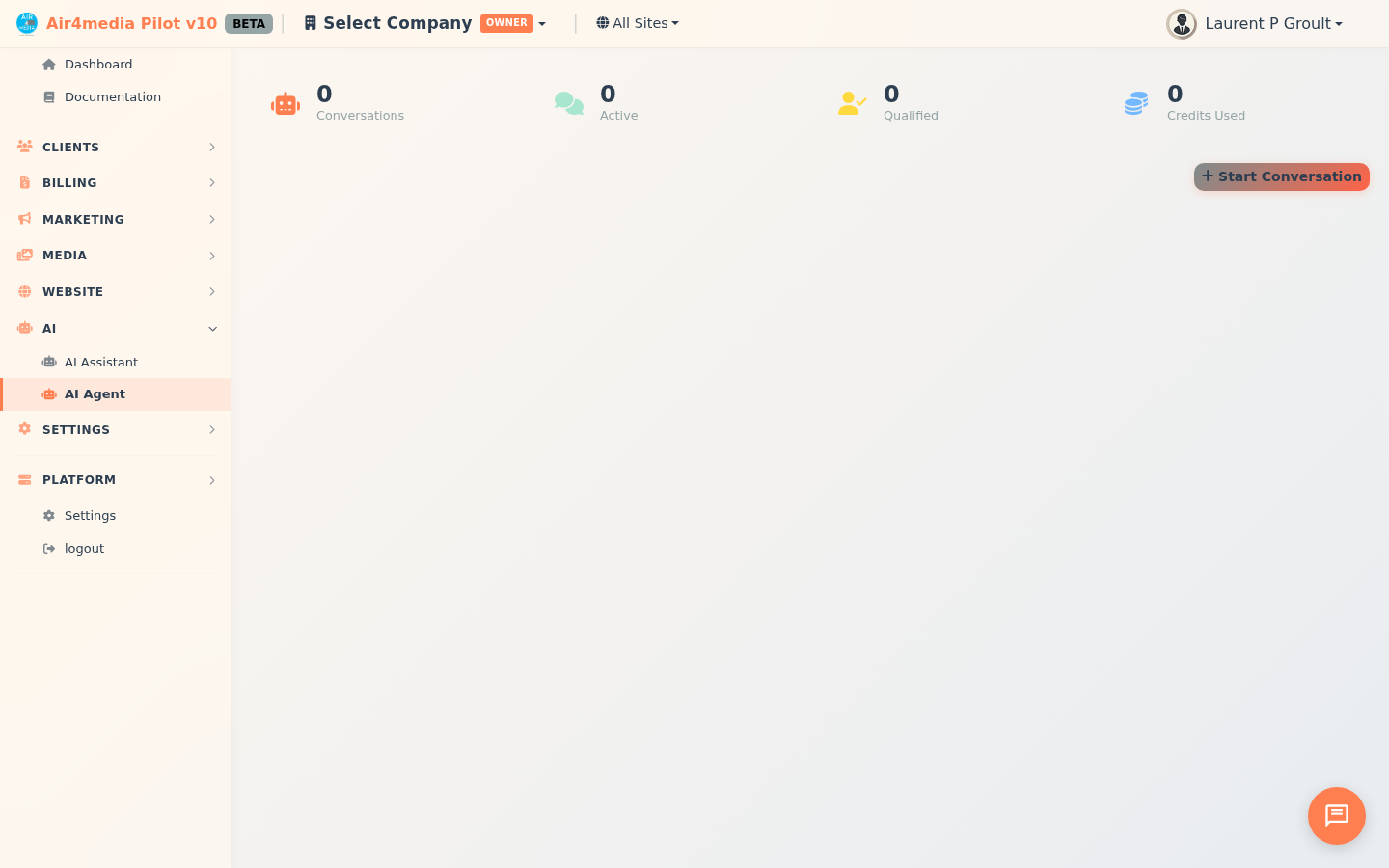
- Dashboard Stats: See totals at a glance — Conversations, Active, Qualified leads, and Credits Used
- Search & Filter: Search through conversation summaries, or filter by type, status, or outcome; switch between table and card view
- Bulk Delete: Select multiple conversations and remove them in one step
How to Use
- Click Start Conversation to open the setup dialog
- Select a conversation type — for example, Lead Qualification for a new prospect inquiry
- Choose a contact from the dropdown (e.g., a contact at ACME Creative Agency) and optionally link a project
- Click Start — the AI opens with a personalized greeting and its first question
- Type your replies in the chat box and press Enter to send
- When the "Analysis updated" badge appears, the AI has generated insights — click the chart icon in the chat header to open the Analysis panel
- The Analysis panel shows urgency score, budget indicator, decision-maker status, motivations, recommended services, pricing tier, and a written summary
- Click Complete to close the conversation manually — or let the AI close it automatically once an outcome is reached
Sharing a Conversation
Open a conversation, click the share icon in the chat header, and the link is instantly copied to your clipboard. Send it to your contact — they can respond without logging in.
Tips
- The AI builds its analysis after at least 4 exchanges — the more a contact shares, the richer the insights
- Use Lead Qualification for new inquiries, Decision Helper when a prospect is comparing options, and Satisfaction after a project wraps up
- Filter by Qualified outcome to surface your hottest leads quickly
- The urgency score and outcome are visible directly in the list — no need to open each conversation to prioritize follow-ups
- Credits are consumed per AI response — keep an eye on the Credits counter in the stats bar